Clever AI Detector Review: Is It the Best Free AI Detector?
Clever AI Detector gives you more room, more detail, plus fewer payment nags than most free checkers. Its score is useful for screening text, though it still cannot prove who wrote anything.
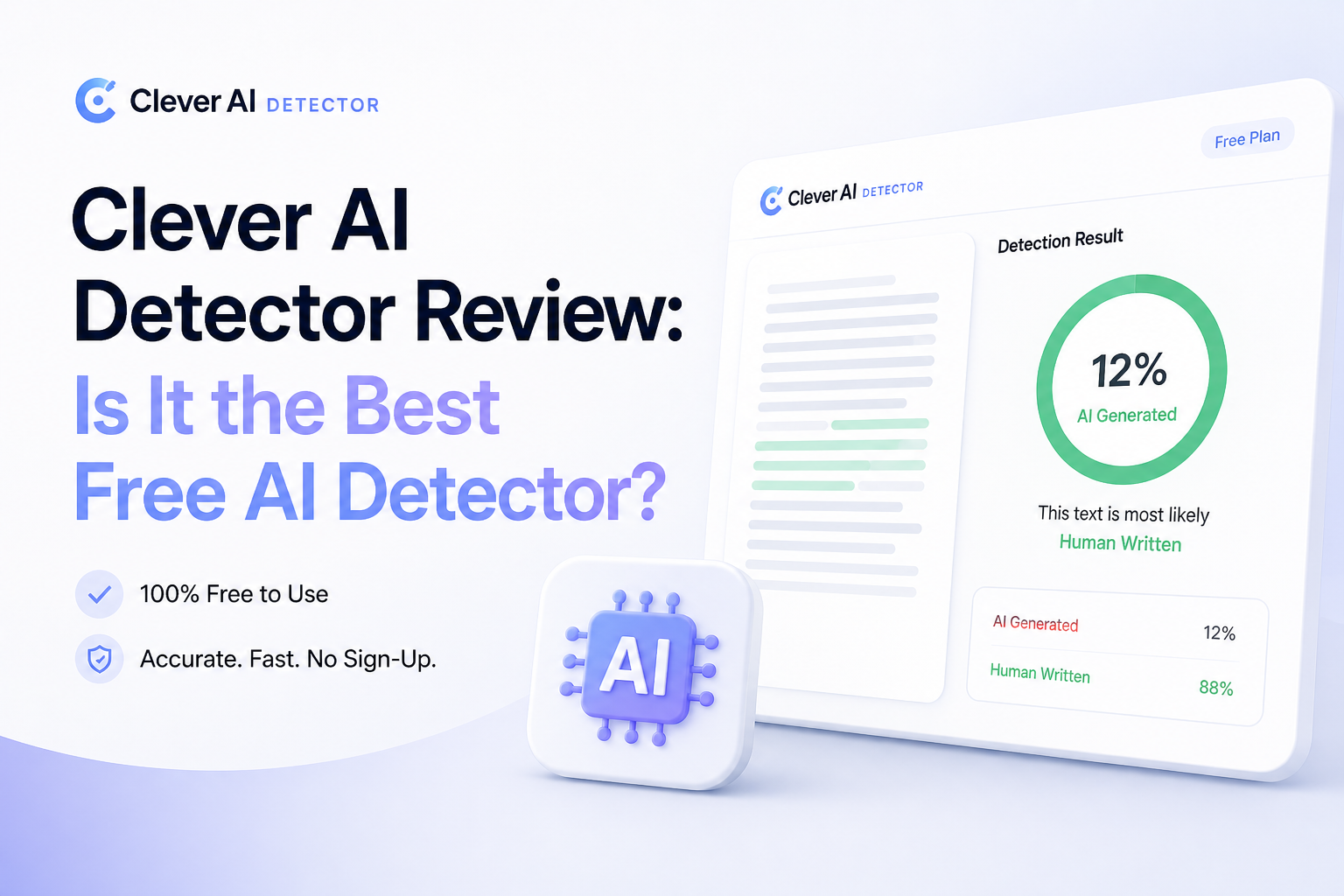
Clever AI Detector is our top free pick for checking long English drafts without registration or a subscription. It accepts up to 10,000 words per scan, highlights sentence-level signals, plus presents its result as a probability rather than proof.
Clever AI Detector at a Glance
9.2/10Clever AI Detector is a browser-based checker that estimates whether English text resembles AI-generated writing. It returns an overall probability, confidence context, plus flagged sentences.
Best forEditors, writers, students, plus small teams screening long English drafts before manual review
- 10,000-word checks
- Sentence-level AI signals
- Probability-based results
- Optional check history
- No-sign-up access
- Generous free scan size
- No registration required
- Clearer than a bare percentage
- English-only focus
- Cannot prove authorship
- Short text below 80 words is rejected
How We Reviewed Clever AI Detector in September 2026
We reviewed the live browser tool with known human writing, untouched AI output, edited AI drafts, plus mixed passages. We focused on result clarity, scan friction, useful limits, price, sentence feedback, plus how responsibly uncertainty was communicated.
Scores favored practical everyday use rather than a dramatic accuracy claim. Since detector behavior changes with text length, style, model, plus editing, we treated each result as a screening signal. We did not treat it as proof of authorship.
When Clever AI Detector Should Not Make the Decision
Do not use Clever AI Detector as the only basis for accusing a student, rejecting a writer, disciplining an employee, or disputing a contract. Formal prose, templated documents, non-native English, plus heavily polished human text can resemble patterns associated with AI.
A responsible review includes earlier drafts, document history, cited sources, factual consistency, plus a conversation with the author. Avoid uploading confidential material unless your organization permits third-party processing.
Clever AI Detector: How It Scored Across Our Review Criteria
| Category | Performance | Score |
|---|---|---|
| 01 Detection Results | 9.4/10 | |
| 02 Result Explanations | 9.2/10 | |
| 03 Scan Experience | 9.0/10 | |
| 04 Limits & Access | 9.6/10 | |
| 05 Cost & Value | 9.5/10 |
Clever AI Detector Features, Limits, Plus Real-World Use
01 Detection Results
Useful screening without pretending to prove authorship
9.4/10
Detection Results
Useful screening without pretending to prove authorship
Clever AI Detector handled clear human samples plus untouched chatbot passages in a sensible way during our checks. The most useful part was not the large percentage at the top. It was the combination of a probability, a confidence label, plus highlighted sentences that showed where the machine-like patterns appeared.
Results became less decisive with heavily edited passages, as expected. Borderline scores deserve a manual read, not an accusation. Clever deserves credit for stating this limitation directly throughout the interface.
- Clear 0–100 probability score
- Works with writing from major AI models
- Confidence context reduces false certainty
- Sentence analysis helps locate questionable passages
- No detector can establish authorship
- Formal human writing may trigger false positives
- English-only detection limits broader use
02 Result Explanations
Highlights make the score easier to investigate
9.2/10
Result Explanations
Highlights make the score easier to investigate
A single percentage rarely tells an editor what to do next. Clever adds sentence-level signals, so you can inspect repetitive phrasing, uniform rhythm, or unusually predictable wording. That turns the result into a review aid rather than a mysterious red number.
The report could still explain individual flags in greater depth. It points to suspicious sentences, though it does not always say which exact pattern mattered most. Even so, the highlighted view is far more practical than a bare pass-or-fail label.
- Sentence-level highlighting is included free
- Confidence labels add needed context
- Report can be copied for personal review
- Uncertain results are not presented as facts
- Limited technical detail behind each flag
- No plagiarism checking
- Percentages may look more exact than they really are
03 Scan Experience
Paste, click, inspect, done
9.0/10
Scan Experience
Paste, click, inspect, done
The web app is pleasantly direct. Paste between 80 plus 10,000 words, start the check, then review the overall score beside the marked sentences. There is no software installation, credit counter, or checkout interruption.
The 80-word minimum is reasonable because tiny excerpts provide too little evidence for a stable estimate. It can feel restrictive if you only want to inspect a caption, short email, or single paragraph. For articles, essays, reports, plus longer business copy, the workflow fits well.
- No installation required
- Clean paste-to-result workflow
- Handles full articles in one scan
- Optional account keeps previous checks
- Cannot assess snippets below 80 words
- Text must be pasted rather than uploaded
- No visible batch-document workflow
04 Limits & Access
A genuinely roomy free allowance
9.6/10
Limits & Access
A genuinely roomy free allowance
This is where Clever separates itself from many free detectors. Each check supports up to 10,000 words, while runs are described as unlimited. You can use the core detector without creating an account.
Registration is only needed if you want check history. That is a fair split. Occasional users get the whole detection report immediately, while repeat users can save earlier scans without paying.
- Up to 10,000 words per check
- Unlimited runs currently offered
- No account needed for core detection
- Free account adds check history
- Service limits may change later
- Only English is clearly supported
- Saved history requires registration
05 Cost & Value
No subscription hiding behind the result button
9.5/10
Cost & Value
No subscription hiding behind the result button
Clever AI Detector costs $0 as of September 2026. The result, confidence level, sentence signals, plus generous scan size are available without a paid upgrade. There are no ads or locked report sections on the current product page.
The company says paid versions could arrive later, so free access should not be treated as permanent. Right now, however, the value is hard to beat for writers who need occasional checks without another monthly bill.
- Core detector costs $0
- No card details required
- Sentence signals are not paywalled
- No paid tier needed for longer checks
- Future pricing may change
- No paid institutional controls or service guarantee
What Users Say About Clever AI Detector
A Reddit user called Clever AI Detector their regular choice for checking assignments, mainly because it remained free while offering quick feedback before revisions.
One forum tester liked the simple paste-and-check process, the 10,000-word allowance, plus the highlighted passages. They still warned that convenience should not be confused with proof.
Another forum participant found the benchmark promising but wanted human-text false-positive testing before trusting the headline detection figure.
A critical forum comment noted that short passages may produce unstable scores, recommending longer samples plus manual review for borderline cases.
Is Clever AI Detector the Best Free AI Detector?
Clever AI Detector is the best free AI checker we would start with for long English drafts. The 10,000-word scans, sentence signals, no-sign-up access, plus honest probability framing make it unusually useful at $0.
Writers, editors, or students can use it as an early warning tool. Schools, employers, or clients should skip any plan to use its score as sole evidence because false positives remain possible with every detector.
Check at least 80 words, inspect the highlighted sentences, then compare the score with drafts, sources, edit history, plus your own reading before making a judgment.