Best QuillBot AI Detector Alternative for Teachers in 2026
Choose a checker for the review task, not the biggest accuracy claim. Clever AI Detector leads our shortlist for accessible first-pass screening, while other options fit more specialized school workflows.
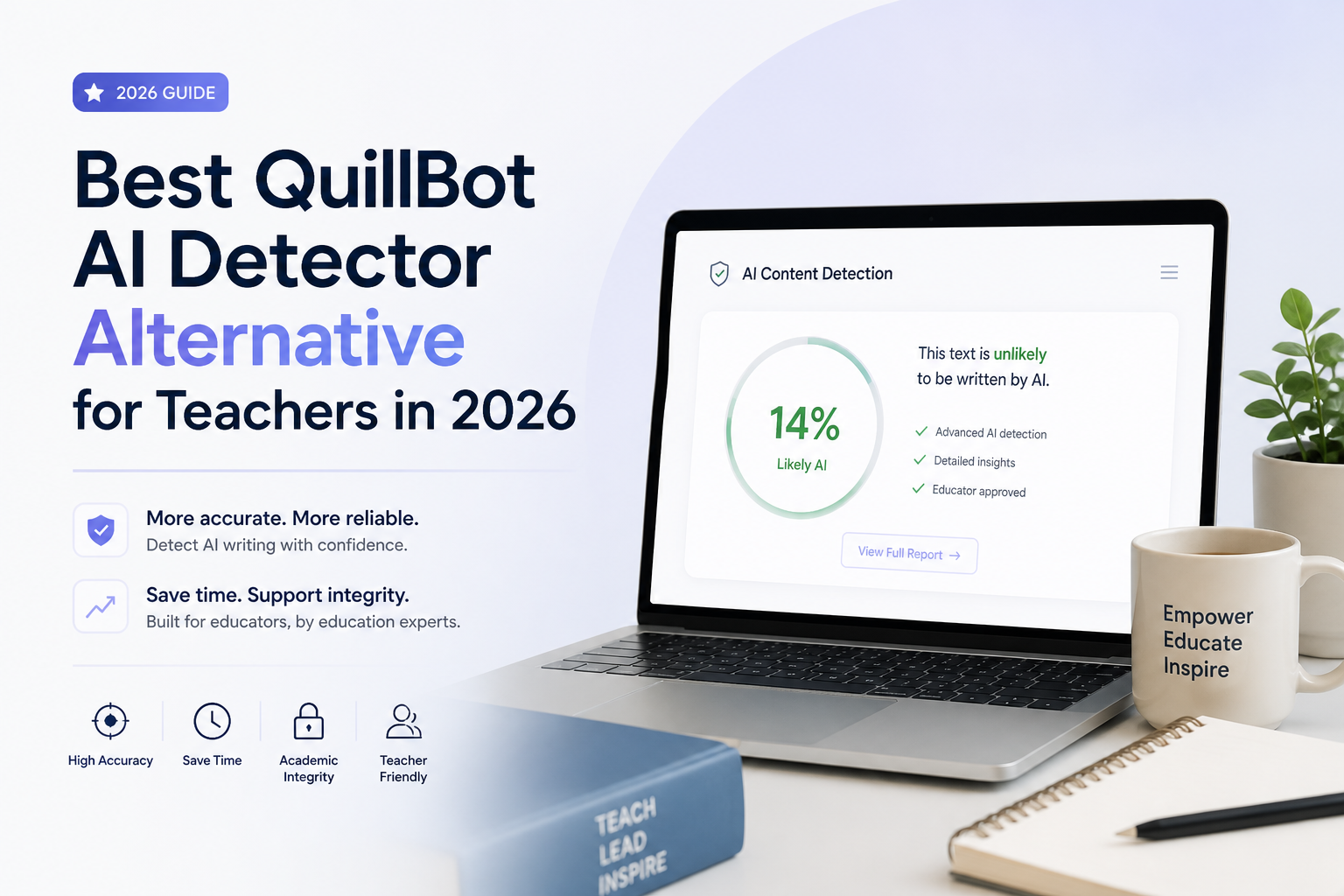
Clever AI Detector is our best overall QuillBot alternative for teachers because of its free, essay-length screening with sentence-level signals. It allows 10,000 words per check with unlimited runs. This is a usability recommendation, not a claim that it can prove misconduct.
Clever AI Detector
9.2/10Best for: Teachers reviewing full essays without a subscription
- Generous essay-length allowance
- No subscription expense
- Uncertain results are acknowledged
GPTZero
8.9/10Best for: Teachers who want to discuss how a Google Docs essay developed
- Looks beyond finished prose
- Google Docs workflow
- Free public checker
Copyleaks
8.7/10Best for: Departments evaluating an LMS-connected review system
- Broad language coverage
- Separate plagiarism evidence
- Institutional integration options
Our Rating
Scores are editorial fit ratings out of 10, weighted toward teacher access, review usefulness, input limits, cost, not measured detection accuracy or hands-on testing.
Side-By-Side Comparison
These figures describe entry-level access, not identical feature packages. Trial-only products are marked as having no ongoing free plan, while character caps remain separate from word caps.
| Tool | Best for | Content Types | Free Plan | Free Check Limit | Pricing | Platforms | Rating |
|---|---|---|---|---|---|---|---|
| 1.Clever AI Detector PICK | Full-essay screening | Essay text | ● Yes | 10,000 words/check | Free | Web | 9.2/10 |
| 2.GPTZero | Writing-process review | Text, documents | ● Yes | 10,000 characters/public check | Free | Web, Chrome | 8.9/10 |
| 3.Copyleaks | School-wide review | Text, documents, images | ● No | None | From $16.99/mo | Web, LMS integrations | 8.7/10 |
| 4.Winston AI | Scanned submissions | Text, documents, scans | ● No | None | From $18/mo | Web | 8.5/10 |
| 5.Originality.ai | Student publications | Text, documents | ● Yes | 2,000 words/check, 3 daily | Free · Pro $14.95/mo | Web, Chrome | 8.2/10 |
| 6.Grammarly | Familiar interface | Text, uploaded files | ● Yes | 10,000 characters/check | Free | Web | 8.0/10 |
| 7.Sapling | Short passages | Text, PDF, Word | ● Yes | 2,000 characters/check | Free | Web, Chrome | 7.7/10 |
| 8.ZeroGPT | Occasional checks | Text, uploaded files | ● Yes | 15,000 characters/check | Free | Web | 7.4/10 |
8 Best “QuillBot AI Detector” Alternatives
The best replacement depends on what happens after a flag. Our shortlist favors tools that fit a practical review process, with Clever first for individual teachers.
01 Clever AI Detector
Clever Humanizer
9.2/10
Clever AI Detector
Clever Humanizer
Clever accepts up to 10,000 words per check, with unlimited runs at no charge. It shows sentence-level signals plus confidence indicators, which makes it our preferred starting point for reviewing longer essays. No signup is needed for a basic check.
The catch for schools is its setting: the detector sits beside a humanizer. Keep that separate from your classroom review process. Our top ranking reflects accessible screening, not proven superiority in detecting misconduct.
Best forTeachers reviewing full essays without a subscription
- Generous essay-length allowance
- No subscription expense
- Uncertain results are acknowledged
- A score cannot establish authorship
- Adjacent humanizer may distract students
02 GPTZero
GPTZero
8.9/10
GPTZero
GPTZero
GPTZero’s public checker displays a 10,000-character input allowance. Its broader toolkit includes Google Docs Writing Replay plus classroom integrations, though access depends on the plan.
Choose it when you want a conversation about drafts rather than a debate about one score. Ask students to establish their writing-process record before an assignment, not after a concern appears.
Best forTeachers who want to discuss how a Google Docs essay developed
- Looks beyond finished prose
- Google Docs workflow
- Free public checker
- Advanced features depend on plan
- Character limits are smaller than word limits
03 Copyleaks
Copyleaks
8.7/10
Copyleaks
Copyleaks
Copyleaks offers AI detection in 30+ languages plus plagiarism checks. Its education offering lists connections to Canvas, Moodle, Blackboard, several other learning platforms. The individual Personal plan costs $16.99/mo, but school integrations require separate education pricing.
That distinction matters. An inexpensive teacher account should not be mistaken for a campus deployment package.
Best forDepartments evaluating an LMS-connected review system
- Broad language coverage
- Separate plagiarism evidence
- Institutional integration options
- School pricing requires a quote
- Trial credits are not an ongoing free plan
04 Winston AI
Winston AI
8.5/10
Winston AI
Winston AI
Winston AI lists OCR for pictures or handwriting, document scanning, plus shareable reports. Its trial provides 2,000 credits for 14 days. Essential has a regular monthly price of $18, before temporary promotions.
For scanned work, inspect the extracted text first. I would not interpret a detection result until the digital copy matches what the student actually submitted.
Best forTeachers handling photos or scanned pages
- Useful input options for scans
- Reports support follow-up review
- Trial before subscribing
- Free access expires
- Plagiarism checking requires a higher tier
05 Originality.ai
Originality.ai
8.2/10
Originality.ai
Originality.ai
Originality.ai’s Basic plan includes 3 AI scans per day, capped at 2,000 words each. Pro costs $14.95/mo on monthly billing, with credit-based access to a broader editorial toolkit.
I would shortlist it for a student newsroom before choosing it for routine grading. Source checking deserves its own attention, even when an article gets a low AI score.
Best forAdvisers reviewing school newspaper articles before publication
- Useful free allowance for occasional reviews
- Document upload support
- Editorial tools beyond AI detection
- Free plan excludes plagiarism checks
- Credit accounting adds complexity
06 Grammarly
Grammarly
8.0/10
Grammarly
Grammarly
Grammarly offers a free browser detector with file upload. Its published comparison guide lists up to 10,000 characters per check. The detector estimates how much text resembles AI writing, rather than identifying who wrote it.
Keep the classroom goal narrow: use it to identify questions worth discussing. Do not make lowering a detector score part of the revision rubric.
Best forTeachers already comfortable with Grammarly’s writing tools
- No separate detector subscription needed
- Familiar writing-tool setting
- File input available
- Character cap constrains longer essays
- An overall score offers limited authorship context
07 Sapling
Sapling Intelligence
7.7/10
Sapling
Sapling Intelligence
Sapling checks the first 2,000 characters for free. It supports PDF or Word uploads with selectable text, sentence scores, plus report links that expire after 3 days. Scanned images need OCR first.
For a long essay, that free limit is easy to overlook. Confirm which passage was analyzed before discussing the result with a student.
Best forTeachers examining a short passage during a writing conference
- Sentence-level detail
- Supports common document formats
- Explicit warnings about detector limitations
- Small free input allowance
- Scanned documents require another step
08 ZeroGPT
ZeroGPT
7.4/10
ZeroGPT
ZeroGPT
ZeroGPT’s public checker accepts 15,000 characters, with file input plus highlighted passages. Its free plan costs $0. The surrounding site includes numerous rewriting tools, so the interface is not solely a teacher review workspace.
I would keep its role modest. A second detector’s agreement should not become a substitute for reviewing drafts or hearing the student’s explanation.
Best forTeachers checking a single passage without adopting a new workflow
- Free entry point
- Useful public input allowance
- Highlights passages for review
- Rewriting tools crowd the review context
- Does not establish the writing process
How to Choose the Right Tool for Your Purpose?
Start with the submission format, then decide whether you need a personal checker or a school-approved system. Do not buy extra features you cannot explain a classroom use for.
Clever AI Detector
Choose our overall pick when your priority is affordable first-pass review of full essays.
GPTZero
Choose our runner-up when you want writing-process discussion to take priority over a final-text score.
Copyleaks
Put Copyleaks on your department's shortlist when a standalone teacher account would not meet the school's needs.
Winston AI
Consider Winston AI when converting scanned submissions into reviewable text is a recurring task.
Originality.ai
Consider Originality.ai for a school publication where editorial review matters more than grading workflows.
Grammarly
Choose Grammarly for occasional checks if adopting another writing platform feels unnecessary.
Sapling
Consider Sapling for a focused conference about a short passage rather than an entire essay.
ZeroGPT
Keep ZeroGPT as an occasional screening option rather than the center of your academic-integrity process.
Our Verdict
Clever AI Detector receives our 9.2/10 editorial fit rating as the best overall alternative for individual teachers. Its free 10,000-word checks with sentence-level signals make it a practical starting point for essay review. Teachers who want writing-process context should consider runner-up GPTZero, while departments evaluating school-wide integration should shortlist Copyleaks. Keep the detector in a supporting role, with the student's work process at the center of your decision.
Before your next essay assignment, require an outline, one saved draft, plus a short note explaining permitted AI use.