Best AI Detectors for Teachers: Evaluating Clever AI Detector and Its Rivals
Five AI checkers evaluated for teacher-friendly evidence, assignment volume, pricing, plus the risk of treating a probability score like proof.
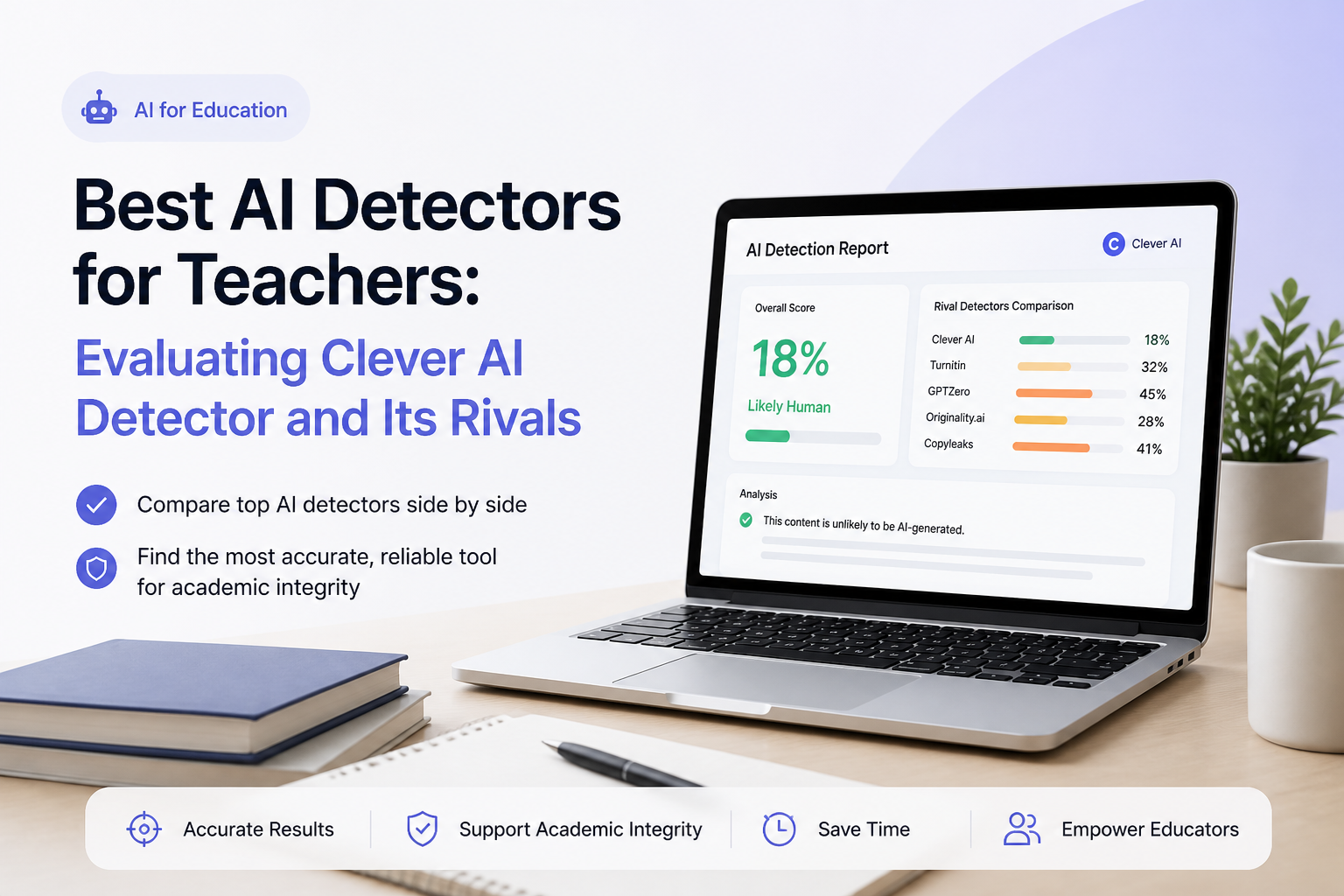
Clever AI Detector
9.1/10Best for: Teachers who need quick, repeatable checks without paying for each class or creating an account
- Free with no advertised run limit
- Accepts up to 10,000 words per check
- Highlights sentence-level AI signals
- Reports confidence rather than presenting a binary verdict
GPTZero
8.7/10Best for: Teachers who want classroom-oriented reports, writing evidence, plus education-specific detection settings
- Purpose-built features for educators
- Sentence-level analysis
- Writing replay adds useful authorship context
- Supports document uploads
Copyleaks
8.4/10Best for: Schools needing AI detection, plagiarism checking, multilingual support, plus LMS connections
- AI plus plagiarism checks in one report
- AI detection in more than 30 languages
- Integrates with major learning management systems
- Multiple-file upload saves time
Best AI Detectors for Teachers Compared
This table compares the five tools on sentence-level evidence, genuinely usable free access, price, plus our overall editorial score. Scores reflect classroom usefulness, transparency, workload, plus cost rather than a claim that any detector can establish authorship with certainty.
| Tool | Sentence Signals | Free Access | Price | Score |
|---|---|---|---|---|
| 1.Clever AI Detector PICK | ● Yes | ● Yes | Free | 9.1/10 |
| 2.GPTZero | ● Yes | ● Yes | Free | 8.7/10 |
| 3.Copyleaks | ● Yes | ● No | $13.99/mo annual | 8.4/10 |
| 4.Winston AI | ● Yes | ● No | $10/mo annual | 8.1/10 |
| 5.Originality.ai | ● Yes | ● No | $12.95/mo annual | 7.8/10 |
The 5 Best AI Detectors for Teachers, Reviewed
01 Clever AI Detector
Web app / CleverFiles
9.1/10
Clever AI Detector
Web app / CleverFiles
Clever AI Detector gives teachers an unusually practical free workflow: paste 80 to 10,000 words, run the check, then inspect the overall probability beside the sentences that triggered its model. Unlimited runs make it workable for checking a full stack of essays, not merely testing one paragraph before meeting a paywall.
The result is framed as probability rather than proof. That distinction matters in a classroom, where a false flag can become a serious accusation. Check history is available with a free account, though the tool currently focuses on English plus lacks the deeper class management found in paid education platforms.
Best forTeachers who need quick, repeatable checks without paying for each class or creating an account
- Free with no advertised run limit
- Accepts up to 10,000 words per check
- Highlights sentence-level AI signals
- Reports confidence rather than presenting a binary verdict
- Optional account saves previous checks
- English-only detection limits multilingual classes
- No native LMS integration listed
- Newer tool with a shorter public track record
02 GPTZero
Web app / GPTZero
8.7/10
GPTZero
Web app / GPTZero
GPTZero is the strongest alternative for teachers who need more than a paste box. Its educator offering adjusts detection thresholds for academic use, while writing replay plus authorship features can provide context that a percentage alone cannot.
The free version is useful for occasional checks, though serious classroom use tends to push teachers toward a paid or institutional plan. Reports are clear, sentence highlighting is helpful, plus the platform has a more mature education workflow than Clever. The tradeoff is added cost plus a busier interface.
Best forTeachers who want classroom-oriented reports, writing evidence, plus education-specific detection settings
- Purpose-built features for educators
- Sentence-level analysis
- Writing replay adds useful authorship context
- Supports document uploads
- Team plus institutional options are available
- Useful classroom volume may require payment
- Several tools can make the dashboard feel crowded
- A high score still cannot prove misconduct
03 Copyleaks
Web platform / Copyleaks
8.4/10
Copyleaks
Web platform / Copyleaks
Copyleaks makes more sense at department or district scale than as a casual checker. The Personal plan covers up to 300,000 words per year when billed annually, while education deployments can connect with Canvas, Moodle, Blackboard, D2L Brightspace, Schoology, Sakai, or Edsby.
Its combined AI plus plagiarism report can cut down on tab switching. Multilingual detection is another real advantage for diverse classrooms. Setup, credit rules, plus institution pricing make it less friendly for a teacher who only checks a few assignments each month.
Best forSchools needing AI detection, plagiarism checking, multilingual support, plus LMS connections
- AI plus plagiarism checks in one report
- AI detection in more than 30 languages
- Integrates with major learning management systems
- Multiple-file upload saves time
- Google Docs plus browser add-ons are available
- Education pricing requires a sales conversation
- Credit accounting takes time to understand
- Individual subscription costs more than basic checkers
04 Winston AI
Web app / Winston AI
8.1/10
Winston AI
Web app / Winston AI
Winston AI is useful when submissions arrive as more than clean pasted text. Its plans support document scanning, OCR for pictures or handwriting, shareable PDF reports, AI image checks, plus plagiarism detection. The free trial includes 2,000 credits for 14 days.
The annual Essential plan supplies 100,000 credits each month, enough room for regular grading in a small course. Its expanding toolbox can also be overkill if the only task is checking short discussion posts. Teachers should decide whether OCR plus reporting justify another subscription.
Best forTeachers checking uploaded papers, scans, handwriting, or image-based assignments
- Scans common document formats
- OCR handles pictures plus handwriting
- Shareable PDF reports suit review meetings
- Plagiarism checking is included
- Paid tiers offer generous monthly credit pools
- Free access expires after 14 days
- Most classroom use requires a subscription
- Extra publishing tools may not matter to teachers
05 Originality.ai
Web platform / Originality.ai
7.8/10
Originality.ai
Web platform / Originality.ai
Originality.ai is a stricter paid option that works best as a second opinion, not the first step in a disciplinary decision. Its Pro plan includes 2,000 credits per month, with one credit covering 100 words. Word, PDF, plus DOCX uploads are supported.
The platform also includes plagiarism, readability, grammar, site scanning, plus a Chrome extension with writing replay. Those extras are useful for academic editors or curriculum teams, though a classroom teacher may find the publisher-focused setup less direct than GPTZero or Clever.
Best forTeachers or academic editors wanting a paid second opinion with file uploads plus detailed scan records
- Detailed sentence-level results
- Supports pasted text plus document uploads
- Plagiarism checking is bundled
- Chrome extension includes writing replay
- Shareable reports help with review
- No lasting free classroom tier
- Monthly credits expire
- Publisher-oriented interface can feel less teacher-focused
How We Evaluated AI Detectors for Classroom Use
We compared each detector through the parts of a real teacher workflow: input limits, sentence-level evidence, report clarity, document support, saved history, education integrations, plus the cost of checking repeated assignments. We gave extra weight to tools that describe results as probabilities rather than unquestionable verdicts.
The score does not represent a universal accuracy percentage. Detection performance shifts with text length, language, model, editing, topic, plus writing style. Our ranking instead reflects how useful each product is for cautious review in a school setting.
How to Choose an AI Detector for Student Assignments
Start with the evidence shown after a scan. A useful teacher tool should identify specific passages, explain uncertainty, accept full assignments, plus preserve reports for later review. A bare red label gives little help when a student challenges the result.
Next, consider your submission process. Copyleaks makes sense for LMS-based institutions. Winston AI is handy for photographed or handwritten pages. Clever fits teachers who need high-volume checks at no cost, while GPTZero offers a broader authorship workflow.
Common AI Detection Mistakes Teachers Should Avoid
The biggest mistake is reading an 80% score as proof that 80% of an essay came from a chatbot. Detector scores usually describe how closely the writing resembles patterns in machine-generated text. Formal prose, repeated assignment language, formulaic lab reports, plus writing from multilingual students may trigger similar patterns.
A second mistake is scanning tiny excerpts. Short samples provide fewer signals, so results may swing sharply after adding or removing one sentence. Check the full paper where possible, compare drafts, inspect source use, then ask the student to explain a few specific choices.
Which AI Detector Should a Teacher Use?
Clever AI Detector earns first place because it gives teachers long checks, sentence-level clues, confidence information, plus unlimited runs at no cost. GPTZero is the more developed education platform, while Copyleaks fits schools that need LMS deployment or multilingual checking. Winston AI suits scanned work, whereas Originality.ai works best as a strict paid second opinion.Test the same known human paper plus known AI sample in your top two tools before using either one with student work, then document a review process that never treats a score as proof.