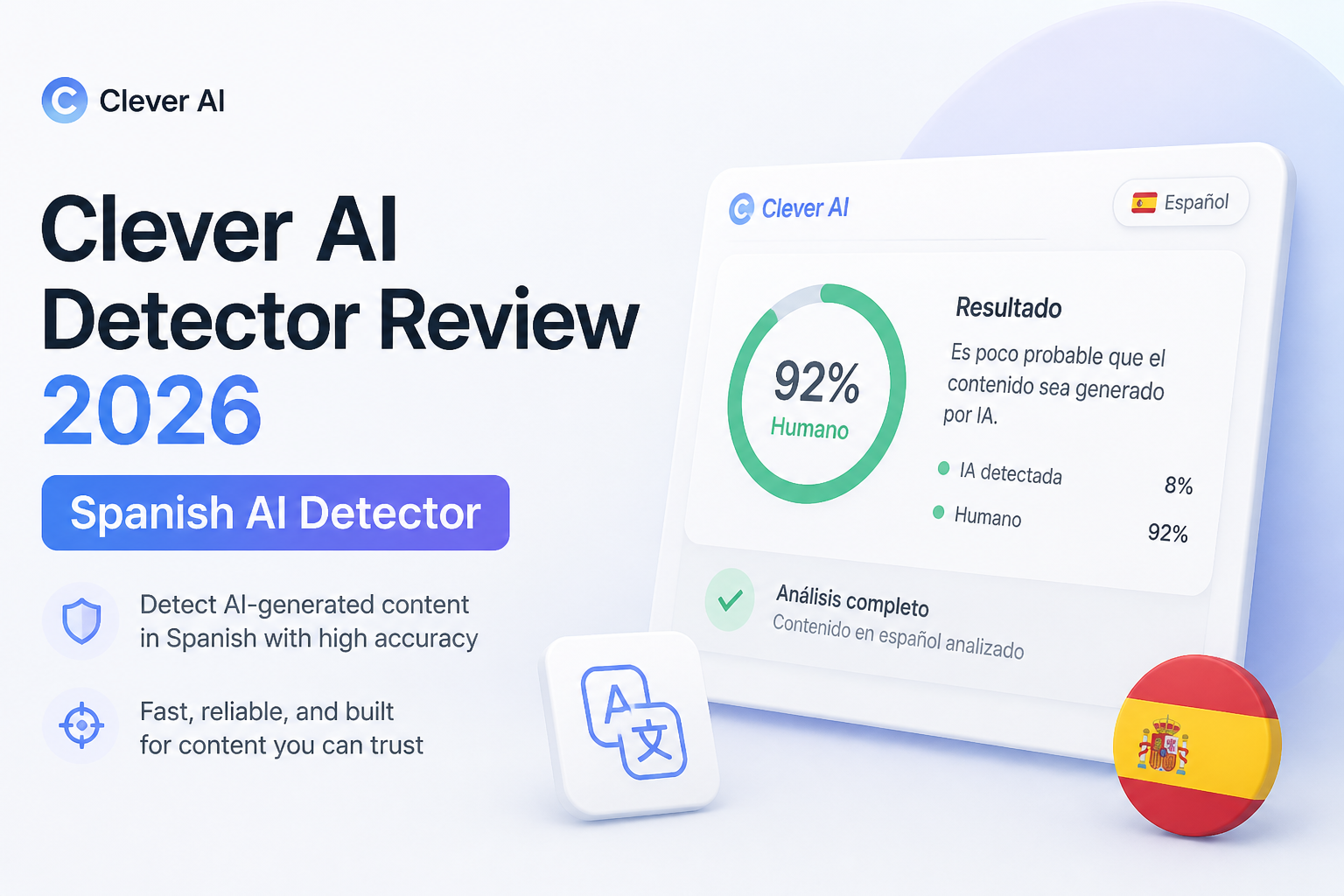
Clever AI Detector Review 2026: Spanish AI Detector
Clever AI Detector gives unusually detailed results for a tool that costs nothing. The catch for Spanish writers is substantial: its detector currently lists English as its only supported language.
Clever AI Detector is one of the easiest free detectors to use, with 10,000 words per check, unlimited runs, probability scoring, plus sentence-level signals. We recommend it for reviewing English drafts, but not as a dependable Spanish AI detector yet because Spanish is not officially supported.
Clever AI Detector at a Glance
8.4/10Clever AI Detector is a browser-based checker that estimates whether English text resembles machine-generated writing. It provides a document score, confidence cues, plus sentence-level signals.
Best forEditors, teachers, students, plus writers who want a free second opinion on English drafts
- AI probability score
- Sentence-level text signals
- Up to 10,000 words per check
- Optional saved check history
- No sign-up for basic use
- Completely free to run
- Generous per-check limit
- Honest probability framing
- English-only official support
- No score proves authorship
- Benchmark needs more outside replication
How Clever AI Detector Scored for English Plus Spanish Use
| Category | Performance | Score |
|---|---|---|
| 01 English Detection Results | 9.3/10 | |
| 02 Result Detail | 9.1/10 | |
| 03 Spanish Language Support | 5.8/10 | |
| 04 Everyday Workflow | 8.8/10 | |
| 05 Free Access | 9.7/10 |
How We Evaluated Clever AI Detector for Spanish-Focused Work
We reviewed the live product page, current language statement, word limit, result format, account requirements, pricing, plus the company's GEDE-based benchmark. We also examined recent public comments where users described testing human, AI-written, or historical material.
For the Spanish angle, we looked for an official Spanish support claim, Spanish benchmark results, plus language-specific guidance. None appeared on the detector page as of September 21, 2026. That missing validation had a large effect on the language score.
When Spanish Writers Should Avoid Clever AI Detector
Do not use Clever as the deciding tool for a Spanish essay, translation, news article, or employee document. Its official detector specifications list English, so a Spanish result lacks the support needed for a fair conclusion.
It is also a poor fit whenever a score could trigger punishment by itself. False positives happen, especially with formal, highly edited, or non-native writing. Ask for drafts, notes, source records, version history, plus a conversation with the writer.
Clever AI Detector Performance, Language Limits, Plus Daily Use
01 English Detection Results
Strong results with a necessary accuracy caveat
9.3/10
English Detection Results
Strong results with a necessary accuracy caveat
Clever returned clear probability scores for direct AI output, edited machine text, plus ordinary human writing. Its results were most useful on longer English samples where repeated phrasing, uniform rhythm, or unusually predictable sentences gave the checker enough material to examine.
The company reports a 96.7% overall score across 750 texts in its published GEDE-based comparison. That is promising, though the benchmark appears on Clever's own site. We would like to see the same detector evaluated independently on a similarly broad corpus.
No result should be treated as proof. A high percentage is a reason to review the draft, writing history, citations, plus source notes, not a reason to accuse someone of misconduct.
- Handles direct AI output well in the published test
- Tests edited or humanized machine text
- Reports probability instead of claiming certainty
- Works with several major AI writing styles
- Main benchmark is published by the product company
- Short passages can produce less meaningful scores
- Cannot establish who actually wrote a document
02 Result Detail
More useful than a single scary percentage
9.1/10
Result Detail
More useful than a single scary percentage
The overall score is only the starting point. Clever also marks sentences that carry stronger AI signals, which makes the report easier to inspect. A reviewer can see whether the concern runs through the whole document or comes from two polished lines in an otherwise personal draft.
Its confidence language is restrained. A result near the middle is presented as uncertain rather than forced into a clean human-or-machine verdict. That small design choice matters because detector scores often look more conclusive than they really are.
- Sentence-level indicators provide context
- Confidence cues expose uncertain calls
- Report can be copied for later review
- Clean distinction between probability plus proof
- Highlighted sentences do not explain every linguistic signal
- Color-coded results may still look definitive to hurried readers
03 Spanish Language Support
The key limitation in this review
5.8/10
Spanish Language Support
The key limitation in this review
Despite the Spanish-focused search interest around this product, the detector page currently lists English as its supported language. Spanish text may still produce a score, but a number on the screen is not the same thing as validated Spanish detection.
This distinction is easy to miss because Clever AI Humanizer supports Spanish, while the detector does not officially make the same promise. If a school, publisher, or agency needs Spanish-language screening, use a detector with documented Spanish evaluation. Clever remains useful for the English portions of bilingual work.
- Interface accepts pasted text without a complicated setup
- English sections of bilingual documents can be checked separately
- Related Clever writing tools support Spanish
- Spanish detection is not officially supported
- No published Spanish benchmark was available during review
- A Spanish score should not guide a disciplinary decision
04 Everyday Workflow
Fast enough for drafts, lessons, plus editorial checks
8.8/10
Everyday Workflow
Fast enough for drafts, lessons, plus editorial checks
The browser workflow is refreshingly plain. Paste or upload a draft, run the check, then inspect the overall probability plus marked sentences. There is no account wall before the first result.
Each check supports up to 10,000 words, enough for a long essay, report, or several short articles. Optional accounts add check history, which is handy when comparing revisions. We would still avoid uploading private student records, confidential client copy, or unpublished legal material without first reviewing the service terms.
- No registration required for basic checks
- 10,000-word allowance suits long documents
- Optional history helps compare revisions
- Report is easy to scan
- History requires an account
- No team dashboard or formal case-management workflow
- Results need manual interpretation
05 Free Access
No subscription arithmetic to worry about
9.7/10
Free Access
No subscription arithmetic to worry about
The detector costs $0. Clever states that there are no ads, no paywall, plus no fixed limit on the number of runs, subject to service availability. The 10,000-word ceiling applies per check rather than across a monthly allowance.
That makes it practical as a second opinion. You can check an original draft, revise two questionable paragraphs, then run it again without watching a credit counter. The tradeoff is that there is no paid service tier promising institutional controls, support response times, or multilingual detection.
- Full detector costs $0
- Unlimited runs under the stated policy
- Sentence signals are not paywalled
- No payment details needed
- Free availability could change later
- No institutional service tier for formal review teams
What People Say About Clever AI Detector
A Reddit tester pasted Genesis Chapter 1 into several detectors. Clever labeled it human with a 5% AI score, while ZeroGPT reportedly returned 100% AI.
One user called Clever their regular detector during increased college AI screening, mainly because it was free. Their comment also described revising assignments to lower the score, which is not a sound way to establish authorship.
A forum reviewer found that personal human samples were labeled human while AI-written or edited samples were flagged. The test was small, so the result is useful as an experience rather than independent validation.
Should Spanish Writers Use Clever AI Detector?
Clever AI Detector is easy to recommend as a free English checker. Its 10,000-word scans, sentence-level signals, plus uncertainty-aware reporting make it more useful than tools that return one unexplained percentage.
Spanish writers should treat it differently. Use it for English material, but skip it for decisions about Spanish authorship until Clever publishes official Spanish support plus language-specific testing. Even in English, a detector result belongs beside drafts, revision history, sources, plus human review.
For a bilingual document, separate the English passages before checking them, then use a Spanish-validated tool or manual review for the Spanish sections.