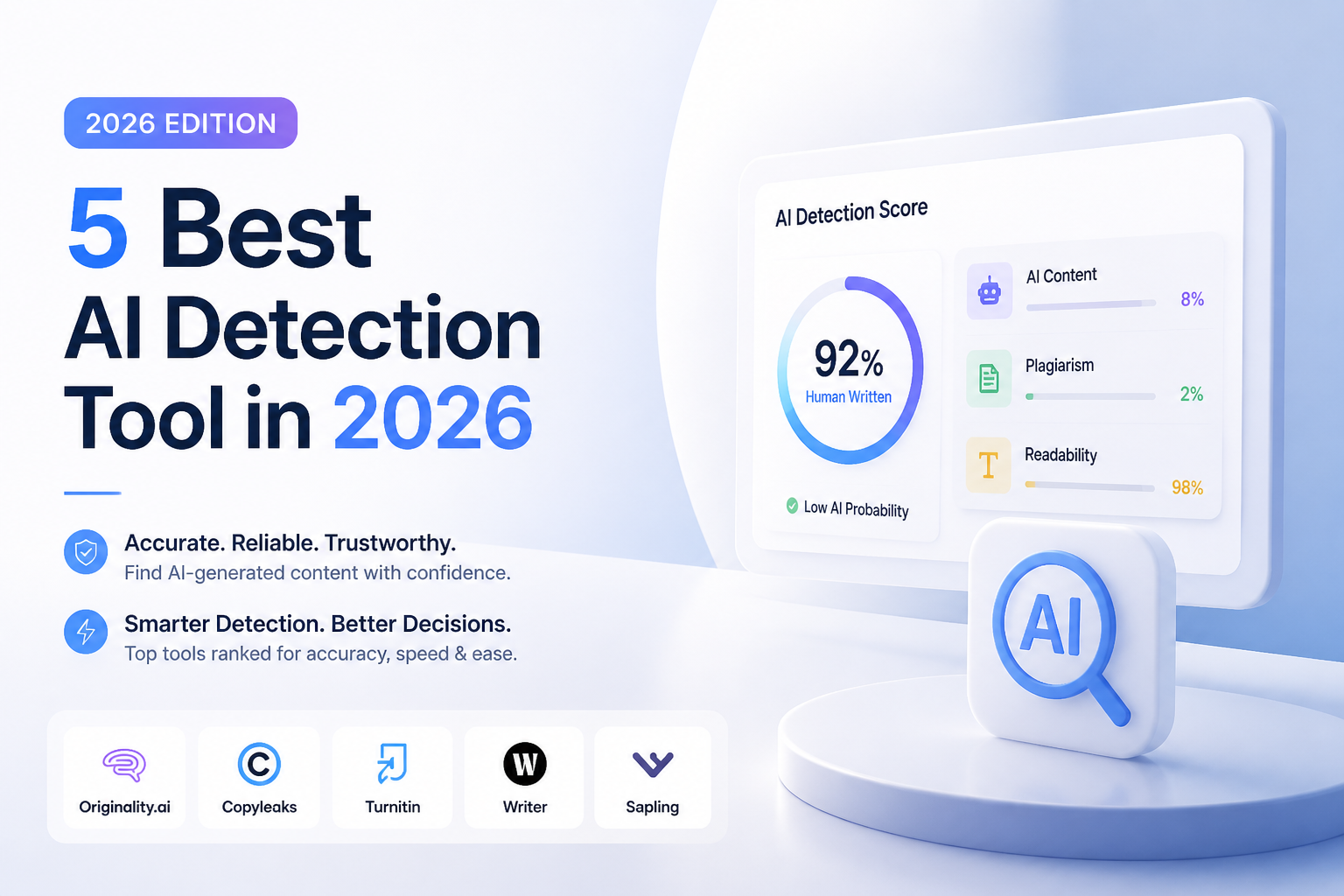
5 Best AI Detection Tool in 2026
Five useful AI checkers, ranked by report detail, practical limits, price, plus fit. Clever AI Detector wins by offering sentence-level evidence at no cost.
Clever AI Detector
9.2/10Best for: Writers, editors, students, or small teams needing detailed checks without a subscription
- Completely free with no advertised paywall
- Up to 10,000 words in one check
- Highlights sentence-level AI signals
- No account required for basic use
Originality.ai
8.8/10Best for: Editorial teams screening freelance articles, site content, or large publishing queues
- Strong collection of publishing-focused checks
- Supports document uploads plus URL scans
- Chrome extension works inside editorial workflows
- Team roles plus organized scan history
GPTZero
8.5/10Best for: Teachers who want sentence highlights, document reports, plus classroom-oriented authorship context
- Interface feels familiar for classroom review
- Passage-level evidence is easier to discuss with students
- Free entry plan
- Supports document-oriented checks
Best AI Detection Tools for 2026 Compared
This table compares report detail, practical input limits, current entry pricing, plus our overall editorial score. Scores reflect feature usefulness, accessibility, workflow fit, plus pricing rather than a claim that any detector can prove authorship.
| Tool | Sentence Detail | Input Limit | Price | Score |
|---|---|---|---|---|
| 1.Clever AI Detector PICK | ● Yes | 10,000 words | Free | 9.2/10 |
| 2.Originality.ai | ● Yes | 2,000 free words | $14.95/mo | 8.8/10 |
| 3.GPTZero | ● Yes | Plan-based | Free | 8.5/10 |
| 4.Copyleaks | ● Yes | Credit-based | $16.99/mo | 8.3/10 |
| 5.Sapling AI Detector | ● Yes | 2,000 characters | Free | 8.0/10 |
The 5 Best AI Detection Tools for 2026, Reviewed
01 Clever AI Detector
Web app / CleverFiles Inc.
9.2/10
Clever AI Detector
Web app / CleverFiles Inc.
Clever AI Detector takes first place because it makes the useful parts of a detection report available without payment or registration. A check accepts 80 to 10,000 words, returns a probability score, shows confidence, then points out sentences carrying stronger AI signals.
The result is presented as evidence to review rather than proof of authorship. That distinction matters with polished academic prose, formulaic workplace writing, plus text written by non-native English speakers. The interface also avoids the common free-tool nuisance of locking sentence analysis behind an upgrade screen.
Its main boundary is language support. Detection currently focuses on English. There is no advertised institutional dashboard or public API, so high-volume schools may still prefer Copyleaks or Sapling.
Best forWriters, editors, students, or small teams needing detailed checks without a subscription
- Completely free with no advertised paywall
- Up to 10,000 words in one check
- Highlights sentence-level AI signals
- No account required for basic use
- Optional history for signed-in users
- English only
- No advertised API for automated workflows
- A detector score still cannot prove who wrote a document
02 Originality.ai
Web platform / Originality.ai
8.8/10
Originality.ai
Web platform / Originality.ai
Originality.ai is built less like a quick checker, more like an editorial control panel. Its Pro plan includes 2,000 monthly credits, with one AI-detection credit covering 100 words. File uploads, website scans, tagging, scan history, plus a Chrome extension suit publishers handling recurring submissions.
The free checker offers three limited scans per day, which is enough for an occasional second opinion. Regular use gets expensive beside Clever, especially if plagiarism checking is enabled too. Still, the reporting structure is better suited to an editor reviewing many writers.
Best forEditorial teams screening freelance articles, site content, or large publishing queues
- Strong collection of publishing-focused checks
- Supports document uploads plus URL scans
- Chrome extension works inside editorial workflows
- Team roles plus organized scan history
- Limited free checker available
- Full workflow requires a paid plan
- Monthly credits expire
- More features than a casual user may need
03 GPTZero
Web platform / GPTZero
8.5/10
GPTZero
Web platform / GPTZero
GPTZero remains one of the easier detectors to use in a classroom setting. It provides an overall classification, then lets the reviewer inspect passages instead of treating a single percentage as the whole case. Its newer detection architecture no longer relies on the old perplexity-plus-burstiness explanation often associated with the brand.
The free account is useful for light checking, though document limits plus batch capacity are tighter than paid access. GPTZero makes the most sense when a teacher wants supporting context around a submission, not merely a red or green label.
Best forTeachers who want sentence highlights, document reports, plus classroom-oriented authorship context
- Interface feels familiar for classroom review
- Passage-level evidence is easier to discuss with students
- Free entry plan
- Supports document-oriented checks
- Research plus education resources are available
- Free-plan capacity is limited
- Pricing can be difficult to read on the dynamic plan page
- Results must not be used as automatic proof of misconduct
04 Copyleaks
Web platform plus API / Copyleaks
8.3/10
Copyleaks
Web platform plus API / Copyleaks
Copyleaks has the broadest organizational footprint in this list. Its platform can combine AI-text detection with plagiarism review, while higher-level offerings add LMS connections, analytics, role controls, regional hosting, plus API access.
The Personal plan costs $16.99 per month, or $13.99 per month with annual billing. One credit covers up to 250 words or one image. That structure is reasonable for mixed-media checks, though individuals interested only in occasional text detection get better value from Clever or Sapling.
Best forSchools, businesses, or software teams needing LMS access, APIs, multilingual checks, plus account controls
- AI plus plagiarism results in one text report
- LMS integrations fit institutional deployments
- Text, image, video, plus code detection options
- Developer documentation plus official SDKs
- Role-based administration for larger teams
- Pricier than simple text-only checkers
- Credit accounting takes a little time to understand
- Education pricing requires a sales conversation
05 Sapling AI Detector
Web checker plus API / Sapling AI
8.0/10
Sapling AI Detector
Web checker plus API / Sapling AI
Sapling is the practical API pick. Developers receive an overall probability plus sentence-level scores, token probabilities, plus an optional heatmap. The company recommends at least 300 characters for useful classification.
The public free plan permits checks up to 2,000 characters. Pro raises that to 100,000 characters per check. API billing starts at $0.005 per 1,000 characters, with a one-time $5 minimum applied as usage credit for newer subscriptions.
Best forProduct teams adding English-language detection to moderation, review, or submission pipelines
- Clear API documentation
- Sentence-level plus token-level output
- Free browser checks for short text
- Large 100,000-character checks on Pro
- Useful free API trial quota
- Detector API currently supports English only
- Free browser limit is short
- Frontend Pro includes writing features some buyers will not need
How We Evaluated the Best AI Detection Tools for 2026
We compared each detector using its live September 2026 feature set, published limits, report format, current pricing, sentence-level evidence, free access, plus suitability for individual or organizational work. We gave more weight to transparent probability reporting than bold accuracy language.
The scores are editorial judgments, not controlled laboratory accuracy percentages. Model updates can change detection behavior quickly, so no product received credit for being able to prove authorship. Tools ranked higher when a reviewer could inspect why a passage was flagged.
How to Choose an AI Detection Tool Without Overtrusting It
Start with the decision you need to make. A writer checking a draft needs an accessible sentence view. A publisher may need plagiarism checks, URL scanning, history, plus team roles. A school usually needs policy controls, LMS access, plus a fair process for reviewing disputed results.
Look closely at the minimum text length too. Short emails, discussion posts, headings, or formulaic answers give detectors fewer useful signals. A tool that admits uncertainty is generally more useful than one that turns every result into an accusation.
Common AI Detection Mistakes That Can Harm Writers
The biggest mistake is treating a high score as proof. Human writing can look statistically regular, especially after heavy editing. Formal reports, technical descriptions, second-language writing, plus rigid school assignments are common trouble spots.
Do not keep rewriting a truthful human passage merely to force a lower score. Save outlines, notes, source files, version history, plus document metadata instead. Those materials usually provide better authorship context than one detector result.
Which AI Detection Tool Should You Use in 2026?
Clever AI Detector earns the top position because it offers the rare combination of long checks, sentence-level evidence, simple probability reporting, plus a genuinely free price.
Originality.ai is the stronger publishing workspace. GPTZero fits classroom review, Copyleaks suits institutional deployment, while Sapling makes more sense inside a developer-built workflow. Whichever tool you choose, treat its output as one clue among several rather than a final ruling about a writer.
Check the same full-length document with two detectors, inspect the marked sentences, then ask for drafts or revision history before making a consequential decision.