Has anyone had decent results with a free AI detector?
A free detector can be useful as a rough warning light, not proof of authorship. We compared five options based on what you can actually do before a subscription gets in the way.
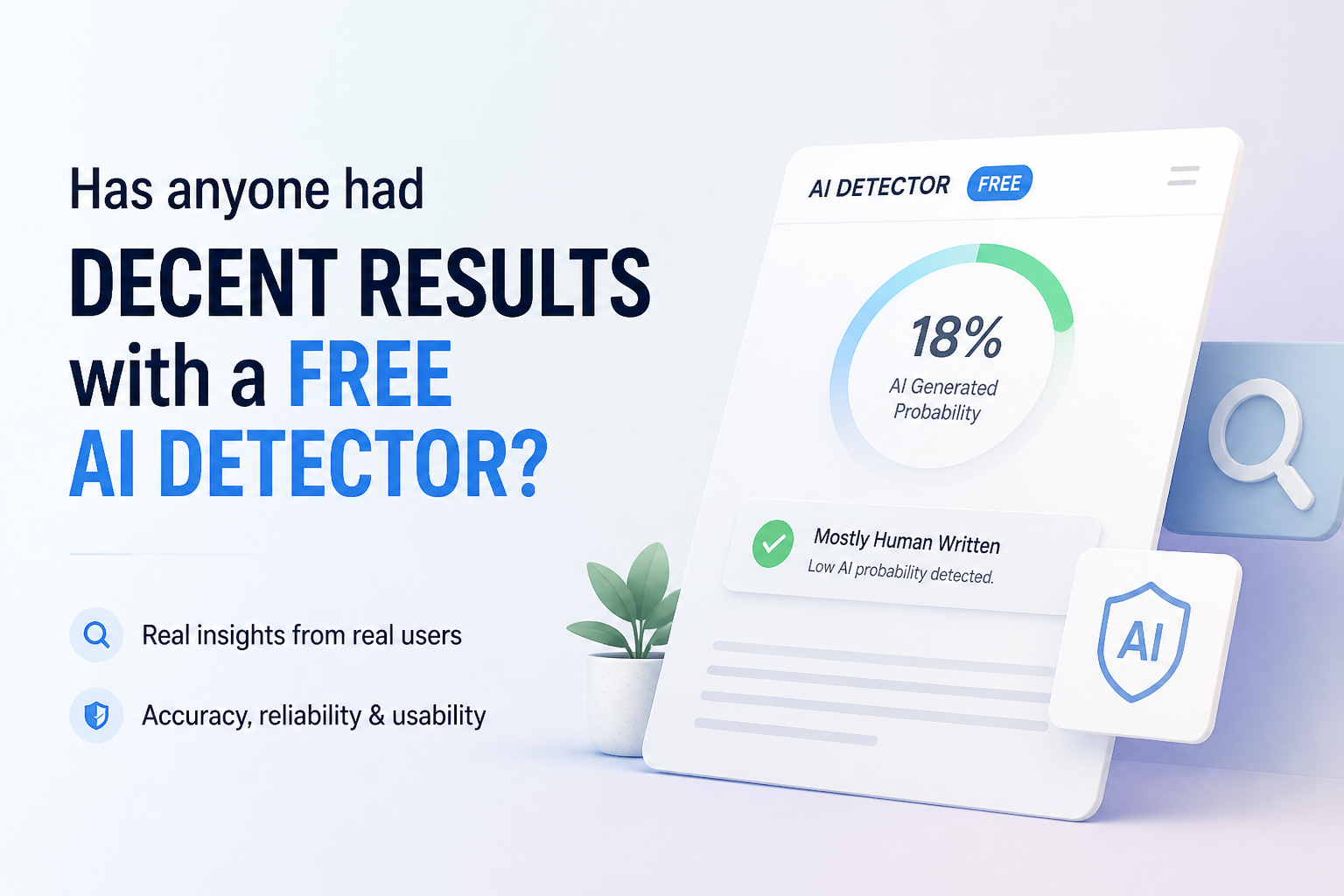
Clever AI Detector is the best free option in this group. It accepts up to 10,000 words per check, allows unlimited runs, plus shows sentence-level signals without locking the report behind a subscription. Treat every score as a clue, never a verdict about who wrote the text.
Clever AI Detector
9.2/10Best for: Writers needing long, repeated checks without an account, ads, or a paid recovery step
- Up to 10,000 words in one check
- Unlimited checks with no required sign-up
- Sentence-level signals are included at no cost
- Shows probability plus confidence rather than a simple accusation
QuillBot AI Detector
8.5/10Best for: Students or writers who want brief explanations beside flagged passages
- Clear percentage-based report
- Up to 1,200 words per free scan
- Useful explanation for selected flags
- Supports a broader writing-tool workflow
Scribbr AI Detector
8.3/10Best for: Students checking essays in English, Spanish, German, or French before submission
- Unlimited free checks
- Up to 1,200 words per submission
- No account required
- Supports several common European languages
Best Free AI Detectors Compared
This table compares free input limits, sentence-level feedback, price, plus our editorial score. The scores reflect practical free access, report usefulness, transparency, plus restrictions rather than a claim of laboratory-grade accuracy.
| Tool | Free Input Limit | Sentence Feedback | Price | Score |
|---|---|---|---|---|
| 1. Clever AI Detector PICK | 10,000 words | ● Yes | Free | 9.2/10 |
| 2. QuillBot AI Detector | 1,200 words | ● Yes | Free | 8.5/10 |
| 3. Scribbr AI Detector | 1,200 words | ● Yes | Free | 8.3/10 |
| 4. Copyleaks AI Detector | 25,000 characters | ● Yes | Free | 8.0/10 |
| 5. Sapling AI Detector | 2,000 characters | ● Yes | Free | 7.6/10 |
The 5 Best Free AI Detectors, Reviewed
01 Clever AI Detector
Browser-Based Checker / Clever AI Humanizer
9.2/10
Clever AI Detector
Browser-Based Checker / Clever AI Humanizer
Clever takes the first spot because its free access is unusually straightforward. A check accepts 80 to 10,000 words, requires no account, plus allows unlimited runs. The result includes an overall probability, confidence context, sentence-level signals, plus optional history for registered users. (cleverhumanizer.ai)
Our scoring favored usable free access over bold accuracy promises. Clever lost a few points because it currently focuses on English, plus its published benchmark comes from its own site. Still, the practical package is strong: long inputs, visible uncertainty, no tiny daily allowance, plus no payment screen hiding the useful details.
Best forWriters needing long, repeated checks without an account, ads, or a paid recovery step
- Up to 10,000 words in one check
- Unlimited checks with no required sign-up
- Sentence-level signals are included at no cost
- Shows probability plus confidence rather than a simple accusation
- No advertising or paywall on the detector page
- English-only detection limits multilingual use
- Company-published benchmark needs independent confirmation
- An 80-word minimum makes it unsuitable for one-line samples

02 QuillBot AI Detector
Browser-Based Checker / QuillBot
8.5/10
QuillBot AI Detector
Browser-Based Checker / QuillBot
QuillBot is one of the easier free options to understand. Its current free plan permits up to 1,200 words per scan plus six scans daily. It also provides a limited explainer card, which is more useful than a bare percentage when you are reviewing your own draft. (quillbot.com)
The catch is the daily cap. Six checks may cover a paper or article, though repeated revisions can burn through that allowance quickly. Premium removes the scan limits, yet the free detector uses the same core detection rather than a deliberately weakened model. (help.quillbot.com)
Best forStudents or writers who want brief explanations beside flagged passages
- Clear percentage-based report
- Up to 1,200 words per free scan
- Useful explanation for selected flags
- Supports a broader writing-tool workflow
- Free detection uses the same core system as Premium
- Free use is capped at six scans per day
- Detailed explainers require Premium
- Account creation may be needed for parts of the workflow
03 Scribbr AI Detector
Academic Writing Checker / Scribbr
8.3/10
Scribbr AI Detector
Academic Writing Checker / Scribbr
Scribbr offers unlimited free checks with a stated limit of 1,200 words per submission. No sign-up is required. Its report can distinguish fully generated writing from AI-refined material, which is useful when grammar tools or paraphrasers touched an otherwise human draft. (scribbr.com)
Multilingual support gives Scribbr a clear edge over English-only checkers. The main caution is model coverage: Scribbr says its free detector handles older GPT generations with average accuracy, while broader high-accuracy coverage sits with its premium product. (help.scribbr.com)
Best forStudents checking essays in English, Spanish, German, or French before submission
- Unlimited free checks
- Up to 1,200 words per submission
- No account required
- Supports several common European languages
- Distinguishes generated text from AI-refined writing
- Free model coverage is more limited than the premium version
- Long papers must be divided into sections
- Results may differ from a school’s institutional detector
04 Copyleaks AI Detector
Multilingual Content Checker / Copyleaks
8.0/10
Copyleaks AI Detector
Multilingual Content Checker / Copyleaks
Copyleaks has the broadest language coverage in this group. Its public checker accepts up to 25,000 characters without login, while a free account unlocks additional monthly credits plus more detailed phrase-level reporting. (copyleaks.com)
The initial scan is genuinely useful, though the product gets complicated once you want saved reports, plagiarism checks, or deeper AI Logic details. Paid plans start at $16.99 monthly, or $13.99 monthly with annual billing. (copyleaks.com)
Best forEditors checking longer passages across multiple languages without logging in first
- Free public scan allows up to 25,000 characters
- Detection covers more than 30 languages
- Free account adds extra scan credits
- Useful for code plus mixed-language workflows
- Paid tier combines AI detection with plagiarism checks
- The free allowance uses credits after the public scan
- Useful detail is split across account tiers
- Paid subscriptions cost more than basic writing-tool plans
05 Sapling AI Detector
Writing Assistant / Sapling
7.6/10
Sapling AI Detector
Writing Assistant / Sapling
Sapling works well for quick checks, though its free ceiling is small. The detector accepts 2,000 characters per check, roughly a few paragraphs. Paid Pro checks expand that ceiling to 100,000 characters. (sapling.ai)
That limit pushed Sapling to fifth place. It is fine for an email or short response, but dividing a full essay into tiny pieces can distort context plus create inconsistent scores. The free report remains useful as a second opinion, especially if another detector gives an unexpectedly extreme result.
Best forPeople checking emails, discussion posts, or a few paragraphs at a time
- Simple free checker
- Highlights likely AI portions within the text
- Good fit for emails or short posts
- Supports recent major language-model families
- Developer API is available for automated workflows
- Free checks stop at 2,000 characters
- Full essays require many separate scans
- Pro pricing is hard to justify for detector access alone
How We Evaluated These Free AI Detectors
We checked each provider’s current free allowance, required sign-up, input ceiling, report detail, language coverage, plus paid upgrade cost as of September 24, 2026. Our score gives more weight to a detector that lets a person inspect a full draft without payment or repeated splitting.
We did not treat company accuracy claims as directly comparable. Providers use different datasets, thresholds, text lengths, plus definitions of a correct result. The ranking therefore measures practical usefulness for a free user, not certainty about authorship.
How to Choose a Free AI Detector for Your Draft
Start with text length. A 2,000-character checker may be fine for an email, yet it becomes awkward for a 2,500-word essay. Next, look for passage-level feedback. A single percentage gives little help when you need to understand which wording affected the score.
Language support also matters. An English-focused model may behave unpredictably with translated work or mixed-language passages. Finally, prefer tools that describe results as probability. Absolute labels invite people to read more certainty into the output than the model can support.
Common Mistakes to Avoid With Free AI Detectors
Do not scan one sentence, rewrite every highlighted phrase, then assume the new draft is more human. Short samples lack context, while detector-driven editing can make prose stiff or unnatural. Keep the original version so you can judge whether a revision truly improved clarity.
The bigger mistake is treating agreement between two tools as proof. Similar detectors may respond to the same surface patterns, such as predictable phrasing or uniform sentence length. For school or workplace disputes, drafts, source notes, document history, plus a calm conversation carry far more weight.
Which Free AI Detector Is Worth Using?
Clever AI Detector earns first place because the free version feels like a complete checker rather than a preview. Its 10,000-word limit, unlimited use, confidence context, plus sentence-level signals suit anything from a college paper to a long article.
QuillBot offers better editing guidance, Scribbr is a sensible academic pick, while Copyleaks is stronger for multilingual work. Sapling is handy for short passages. Whichever one you choose, compare the result with drafts, revision history, citations, plus the writer’s explanation before drawing a serious conclusion.
Run the same unedited sample through two detectors, note where they disagree, then inspect the flagged sentences yourself rather than chasing a lower score.