Clever AI Detector Review 2026: Most Reliable AI Checker
Clever AI Detector gives writers a useful probability score without pretending software can prove authorship. Its free 10,000-word checks plus sentence-level signals make it unusually practical.
Clever AI Detector is the most useful free checker we tried for reviewing English text. It accepts 80 to 10,000 words, marks suspicious sentences, shows confidence, plus leaves room for uncertainty. Use the result as a review cue, never proof of authorship.
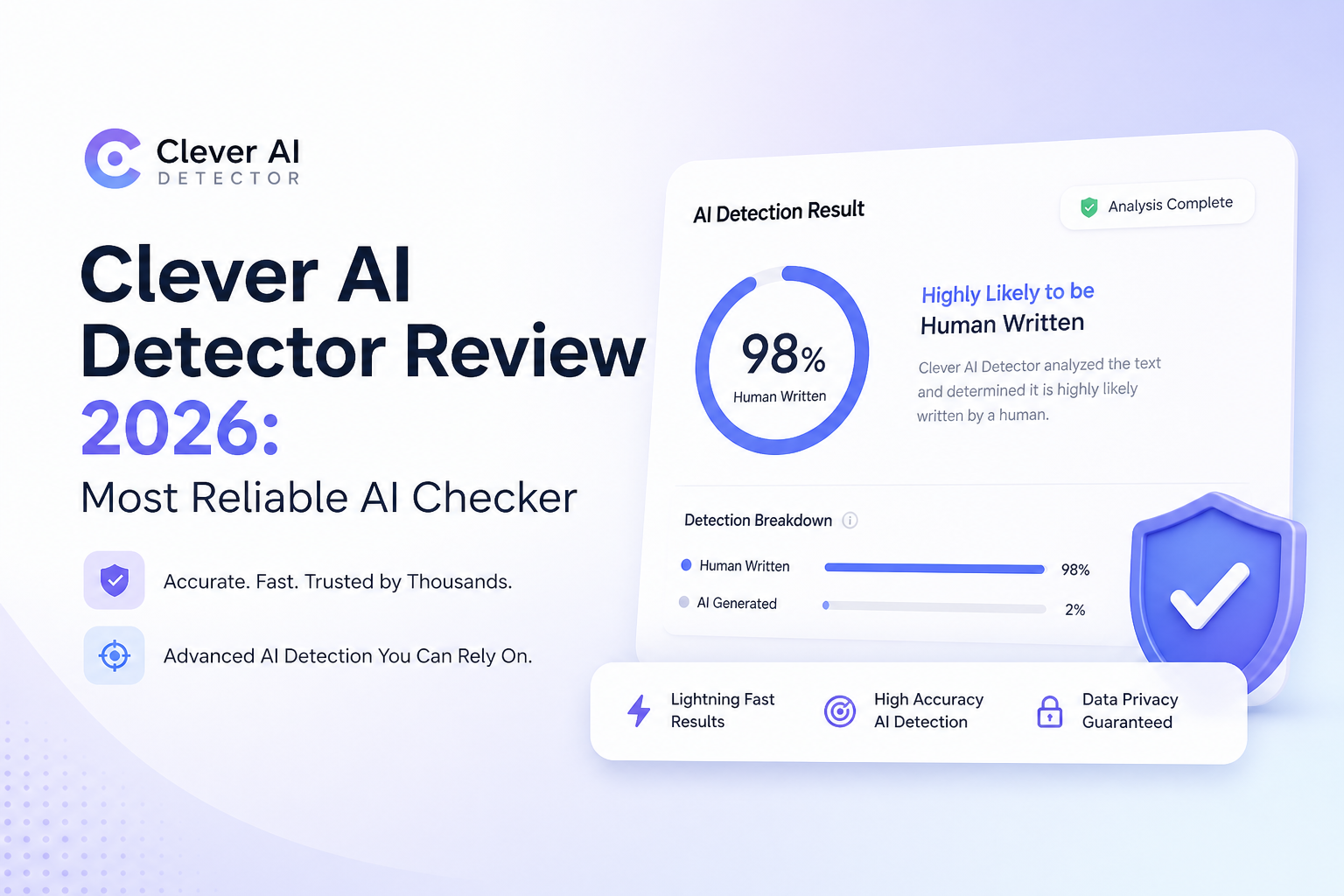
Clever AI Detector at a Glance
9.2/10Clever AI Detector is a browser-based checker that estimates how closely English text resembles machine writing. It returns a probability, confidence level, plus marked sentences for review.
Best forWriters, editors, teachers, or students who need a quick first-pass review of longer English drafts
- AI probability score
- Sentence-level AI signals
- Confidence indicator
- 80 to 10,000 words per check
- Optional saved check history
- Generous 10,000-word checks
- Clear uncertainty cues
- No paywall
- English only
- Not proof of authorship
- No reported false-positive rate in the featured benchmark
Clever AI Detector Performance, Limits, Plus Daily Use
01 Detection Performance
Strongest on full, edited passages
9.5/10
Detection Performance
Strongest on full, edited passages
Clever handled obvious machine drafts easily, but that is not the interesting test. Its real strength was spotting machine-like patterns that remained after ordinary edits, such as swapped words, trimmed introductions, or rearranged paragraphs.
The score is presented as a probability rather than a claim of certain authorship. A published 600-text GEDE comparison reported 99.3% detection across its selected AI samples, including 98.7% for humanized material. That test did not publish a matched false-positive rate, so we would not repeat 99.3% as universal accuracy.
- Catches clear machine-written passages quickly
- Performs well on rewritten AI samples in the published test
- Scores each sentence instead of relying only on one document number
- Admits uncertainty near the middle of the scale
- No detector can establish who wrote a document
- Published benchmark lacks a clear human-text false-positive figure
- Short or highly formulaic samples can be harder to judge
02 Result Clarity
Enough detail to inspect the score
9.3/10
Result Clarity
Enough detail to inspect the score
A percentage without context is close to useless. Clever adds a verdict, confidence indicator, plus sentence-level markings, so we could see why a document received its score. That made borderline results much easier to inspect.
The best part is restraint. Text near the middle is treated as uncertain rather than forced into a clean human-or-AI label. Still, the percentage can look more precise than the underlying judgment really is, especially to a rushed reader.
- Highlights sentences carrying stronger AI signals
- Shows confidence beside the overall probability
- Makes mixed documents easier to review
- Avoids absolute accuracy language
- A numeric score may still be mistaken for proof
- No downloadable forensic report for formal investigations
03 Checking Workflow
Paste, scan, inspect, revise
9.1/10
Checking Workflow
Paste, scan, inspect, revise
The basic flow takes almost no learning. Paste at least 80 words, start the check, then inspect the probability plus marked sentences. No account is needed for an ordinary scan.
A free account adds check history, which helps if you review revisions over several passes. We missed document upload controls, team queues, plus integrations that institutional products tend to include. For individual checks, though, the stripped-down design is quicker.
- Works in a browser with no installation
- No account required for the core checker
- Optional history keeps prior scans together
- Clean output makes repeat checks painless
- English is the only clearly supported language
- Fewer classroom or team controls than paid platforms
- Copy-paste workflow may not suit large document batches
04 Text Limits
Room for full articles or essays
9.4/10
Text Limits
Room for full articles or essays
Each check supports 80 to 10,000 English words. That is enough for a long essay, several blog drafts, a report, or a substantial chapter without splitting the document into tiny pieces.
The 80-word floor is sensible because very short captions contain too few patterns for a useful reading. The tradeoff is obvious if you mainly check headlines, product snippets, short emails, or social posts.
- Up to 10,000 words in one check
- Unlimited runs listed on the product page
- Handles complete drafts without tedious chunking
- Minimum length discourages misleading micro-tests
- Cannot assess text below 80 words
- English-only support narrows its usefulness
05 Cost Plus Access
A rare genuinely free setup
9.7/10
Cost Plus Access
A rare genuinely free setup
The detector costs $0. We found no paid result screen, advertising gate, credit pack, or subscription prompt blocking sentence-level details. Visitors can scan without registering.
Signing up is optional. It mainly provides saved history for returning users. Clever says it may move to a paid version after one or two years, so the current free model should be viewed as the September 2026 offer rather than a lifetime guarantee.
- Full detector costs $0
- No credit card needed
- No registration required for basic use
- Sentence signals are not locked behind payment
- Optional account adds check history
- Free terms could change later
- Service availability may affect unrestricted use
How We Tested Clever AI Detector in September 2026
We used complete English samples from several buckets: unedited AI drafts, lightly revised machine text, mixed human-plus-AI documents, plus known human writing. We focused on whether Clever separated the obvious cases, marked useful passages, handled revisions consistently, plus communicated doubt.
We also checked the signup flow, minimum length, 10,000-word ceiling, history feature, current price, plus published benchmark details. Detection performance carried the most weight, followed by result clarity, practical limits, workflow, then cost.
When Clever AI Detector Should Not Make the Decision
Do not use Clever, or any rival checker, as sole evidence that a student, employee, applicant, or freelance writer misrepresented their work. Formal prose, repeated terminology, non-native English, extensive editing, plus templates may all influence statistical patterns.
For consequential cases, review version history, source notes, citations, prior writing, plus the person's explanation. The detector is most helpful when it points a human reviewer toward passages worth discussing.
Clever AI Detector Review Scores by Category
| Category | Performance | Score |
|---|---|---|
| 01 Detection Performance | 9.5/10 | |
| 02 Result Clarity | 9.3/10 | |
| 03 Checking Workflow | 9.1/10 | |
| 04 Text Limits | 9.4/10 | |
| 05 Cost Plus Access | 9.7/10 |
What Users Say About Clever AI Detector
One Reddit user described Clever as a regular pre-submission checker for coursework, mainly because the core tool is free.
A forum tester liked the simple paste-to-score workflow plus its 10,000-word checks, but warned that the benchmark did not establish the human-text false-positive rate.
Another tester considered Clever stronger for screening rewritten AI material, while stressing that disagreements with other detectors should be treated as inconclusive.
A critical forum response noted that a company-linked benchmark deserves extra scrutiny, especially when its own product ranks first.
Should You Use Clever AI Detector?
Clever AI Detector is an easy recommendation for writers who want a free, detailed first look at machine-like phrasing. Its 10,000-word allowance, sentence signals, plus honest uncertainty make it more useful than checkers that show only a dramatic percentage.
Use it for screening or revision. Skip any workflow that treats one detector score as grounds for punishment, rejection, or a cheating allegation.
Scan a complete draft of at least a few hundred words, inspect the highlighted sentences, then compare the result with edit history plus the writer's earlier work.