Disk Drill Pricing Review: Is the Paid Version Worth It?
Disk Drill PRO is not cheap for a single rescue job. Its free preview, three-device license, plus new lifetime option make the price easier to justify if your files show up intact before checkout.
Disk Drill PRO is worth its $89 yearly price or $149 lifetime price only after the free edition previews your important files correctly. The lifetime license is the sensible pick for repeat use, while a yearly plan fits a one-time recovery if you cancel renewal promptly.
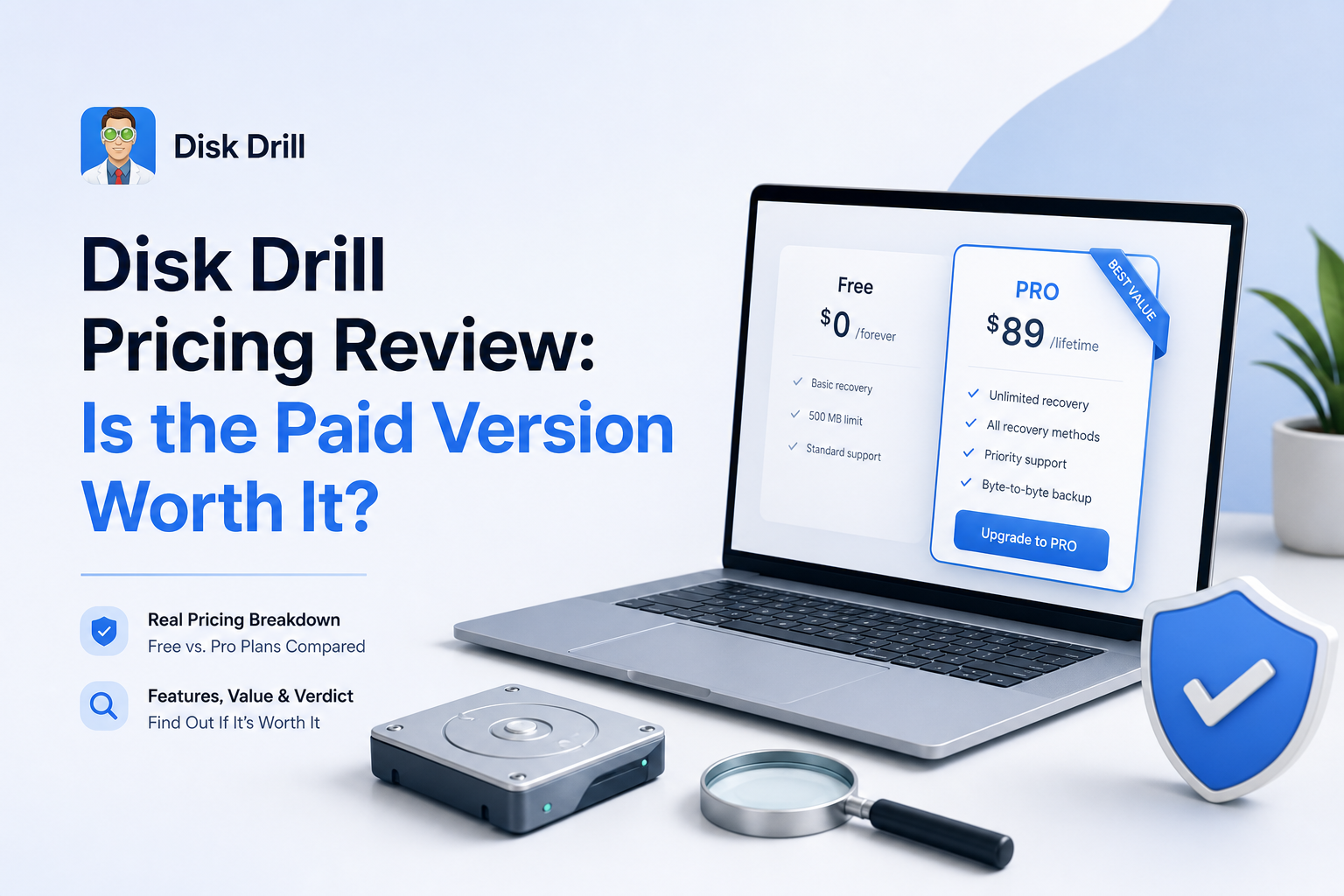
Disk Drill Pricing at a Glance
8.5/10Disk Drill is desktop data recovery software for Windows plus macOS. It scans internal drives, external disks, USB storage, memory cards, disk images, plus other visible media for deleted or inaccessible files.
Best forPeople recovering a large batch of previewable photos, videos, or work files from a readable drive or memory card
- Universal lost-file scan
- File previews before purchase
- Advanced camera recovery
- Byte-to-byte disk imaging
- Recovery chance estimates
- Strong free preview workflow
- Lifetime license includes future upgrades
- One license covers up to three devices
- Purchases are generally final
- Annual billing renews automatically
- Free recovery is very limited
Disk Drill Pricing Review: How the Paid Plans Scored
| Category | Performance | Score |
|---|---|---|
| 01 Paid Plan Value | 8.2/10 | |
| 02 Proof Before Payment | 9.1/10 | |
| 03 License Terms | 8.6/10 | |
| 04 Free Edition | 7.6/10 | |
| 05 Purchase Risk | 6.8/10 |
How We Evaluated Disk Drill Pricing in July 2026
We checked the current US purchase page, license documentation, free recovery limits, renewal process, refund language, plus the features available before activation. The pricing score puts extra weight on what a buyer can verify before paying since recovery results depend heavily on the condition of the source media.
We also compared official terms with recent Reddit, Trustpilot, plus Mac App Store experiences. User reports were treated as individual outcomes, not proof that every recovery will succeed or fail.
When Paying for Disk Drill Is the Wrong Move
Do not buy PRO just because a scan lists familiar filenames. If the files will not preview, show zero-byte sizes, or open as broken media, paying may only export the same damaged data. A mechanically failing drive that clicks, vanishes, or reports the wrong capacity should be powered down.
Disk Drill is also poor value for a tiny Windows recovery under 100 MB since Basic may handle that at no cost. For a one-time job, compare the value of the lost files with the $89 annual charge before reaching for a card.
Disk Drill Pricing, License Terms, plus Free Limits in Detail
01 Paid Plan Value
Cost makes more sense for large or repeat recoveries
8.2/10
Paid Plan Value
Cost makes more sense for large or repeat recoveries
Disk Drill PRO currently offers a $89 one-year subscription plus a $149 lifetime license. Both unlock unlimited recovery for one user across as many as three devices, covering Windows plus macOS.
The yearly plan feels expensive if you need one deleted document. It becomes more reasonable when the free scan reveals several gigabytes of usable photos, client files, or video. At a $60 difference, the lifetime license pays off once you expect to need the software beyond the first year.
- Lifetime license has no recurring payment
- One license covers up to three devices
- Windows plus macOS access is included
- No separate charge for future upgrades
- $89 is steep for a single small recovery
- Annual plan renews automatically unless canceled
- No cheaper one-device PRO option

02 Proof Before Payment
The preview is the most useful part of the buying process
9.1/10
Proof Before Payment
The preview is the most useful part of the buying process
The free edition can scan a drive, sort the results, estimate recovery chances, plus preview supported files before money changes hands. This matters more than a long feature list. A photo that opens at full size or a video that plays through in preview gives you stronger evidence than a filename alone.
A listed file is not automatically an intact file. We would not pay based only on a green recovery label, generic thumbnail, or recognizable filename. Check several files from each important folder, especially large videos, archives, databases, plus RAW photos.
- Unlimited scanning is available before purchase
- Supported files can be opened in preview
- Recovery chance labels help narrow the results
- Filters make large scan results manageable
- Some file types cannot be meaningfully previewed
- A successful preview does not guarantee every file will survive
- Reconstructed files may lose original names or folders
03 License Terms
The lifetime option is clearer than older upgrade arrangements
8.6/10
License Terms
The lifetime option is clearer than older upgrade arrangements
The current PRO license covers one user on up to three devices. A lifetime purchase includes future software updates plus major upgrades for the life of the Disk Drill product. This is simpler than older versions that sometimes sold lifetime upgrades as an extra.
The annual subscription runs for 12 months, renews automatically, plus can be canceled through Paddle. Canceling stops the next charge without disabling the remaining paid term. Keep the confirmation email since it contains the customer portal route plus billing details.
- Lifetime upgrades are included in the current lifetime plan
- A single license works on both supported desktop platforms
- Three-device allowance fits a typical home setup
- Annual access continues until the paid term ends after cancellation
- The license is personal plus non-transferable
- Subscription renewal pricing may change
- Business teams need separate Enterprise arrangements
04 Free Edition
Useful for diagnosis, limited for actual recovery
7.6/10
Free Edition
Useful for diagnosis, limited for actual recovery
Disk Drill Basic is a real evaluation tool rather than a short timed demo. You can scan storage, inspect the results, save scan sessions, create byte-level backups, plus preview files that your system can open.
On Windows, the free recovery allowance is 100 MB. That may rescue a few documents or compressed photos, though it disappears quickly with modern phone images or video. Mac users should treat Basic mainly as scan plus preview software before buying PRO.
- No payment is needed to scan a drive
- Windows includes 100 MB of free recovery
- Byte-to-byte backup tools can be used before upgrading
- Preview helps test the important files first
- 100 MB is too small for most photo or video losses
- Mac recovery beyond protected data generally requires PRO
- The free label can create unrealistic expectations
05 Purchase Risk
Strict refund rules put the burden on the preview
6.8/10
Purchase Risk
Strict refund rules put the burden on the preview
Disk Drill states that digital purchases are generally final once an activation code is issued. Technical complaints may be reviewed case by case, but failure to recover the files you wanted does not create an automatic refund right.
This is the weak spot in the pricing. Data recovery always carries uncertainty, yet buyers may be stressed or in a hurry. Before paying, preview the exact files you care about, confirm the destination drive has enough free space, plus take a screenshot of the checkout terms. If you choose annual billing, cancel renewal right after activation if this is a one-off job.
- Pricing choices are shown before checkout
- Annual subscriptions can be canceled through Paddle
- The free scan reduces some buying uncertainty
- Purchases are usually non-refundable
- Scan results can include corrupt or incomplete files
- The yearly plan renews automatically
What Disk Drill Buyers Report
A Windows user said Disk Drill recovered family photos plus videos from an inaccessible RAW SD card after other tools failed to recognize it. The price felt reasonable because the needed files came back.
A Mac user reported that the free preview showed the missing photos clearly. After upgrading, the original-quality photos were restored, making the purchase worthwhile for that recovery.
One buyer said Disk Drill marked video files as recoverable, but the restored copies would not open. The buyer was also unhappy after a refund request was declined.
An App Store reviewer said Disk Drill recovered almost everything from a troubled drive except files affected by bad sectors. Another reviewer on the same listing felt the combined upgrade cost was too high.
Is Disk Drill PRO Worth the Price?
Disk Drill PRO is worth paying for when the free preview opens the exact files you need, especially if the loss involves a large photo library, camera card, or external drive. The $149 lifetime license is the better long-term deal, while the $89 annual plan makes more sense for one urgent recovery.
Skip the purchase if previews are blank, videos will not play, or the source drive is clicking or repeatedly disconnecting. Those cases need a different tool or a professional lab, not a hopeful checkout.
Preview several full-size files from every important folder before paying, then recover them to a different physical drive.