QuillBot Review 2026: Pros, Cons and Alternatives
QuillBot packs several writing utilities into one browser workspace. The trouble is that its rewrites often need enough cleanup to erase the promised time savings.
QuillBot is easy to use, but its paraphrases can flatten meaning, stiffen ordinary sentences, or swap in words that do not fit. Skip it if accuracy matters. Disk Drill is our stronger overall software pick, though it solves deleted-file recovery rather than writing.
The biggest risk is accepting a polished-looking rewrite that quietly changes the original meaning.
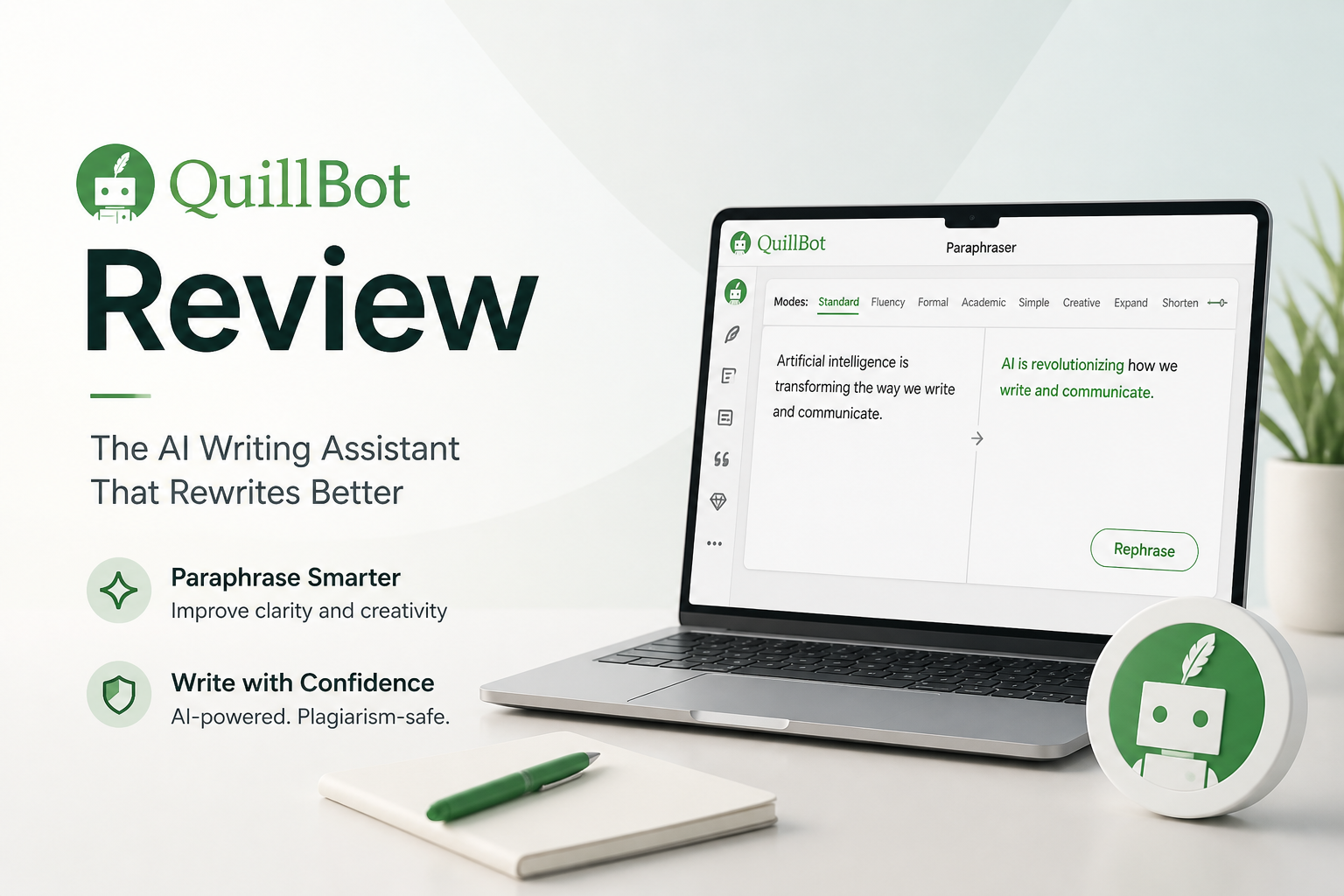
QuillBot at a Glance
5.2/10QuillBot is a web-based writing suite built around paraphrasing. It also includes grammar, summarizing, citation, translation, plus drafting tools.
Best forWriters who want quick wording alternatives for low-stakes drafts
- Multiple paraphrasing modes
- Grammar correction
- Text summarization
- Citation generation
- Browser-based writing tools
- Quick rewrites
- Simple interface
- Useful mode selection
- Meaning can drift
- Output often sounds generic
- Premium uses recurring billing
QuillBot Review Scores Across Five Writing Criteria
| Category | Performance | Score |
|---|---|---|
| 01 Rewrite Accuracy | 4.3/10 | |
| 02 Editing Control | 6.1/10 | |
| 03 Workflow Speed | 6.8/10 | |
| 04 Output Quality | 4.7/10 | |
| 05 Cost and Licensing | 4.2/10 |
How We Tested QuillBot for Everyday Writing
We tested short emails, explanatory blog paragraphs, product descriptions, academic-style passages, plus intentionally awkward drafts. Each output was compared with its source for preserved meaning, natural phrasing, grammar, speed, plus the amount of manual repair required.
Scores reflect the full workflow rather than generation speed alone. A rewrite lost points if it sounded smooth but removed a qualifier, changed the speaker's confidence, inserted a vague synonym, or needed enough editing that rewriting from scratch would have been quicker.
When QuillBot Is the Wrong Writing Tool
Avoid automatic paraphrasing for contracts, medical notes, graded work governed by academic integrity rules, legal correspondence, source-based reporting, or technical instructions. Small wording substitutions can change obligations, measurements, attribution, or certainty.
QuillBot is also a poor fit when the original voice matters. Personal statements, apology emails, applications, plus sensitive client messages usually benefit from slower human revision. If a file has vanished entirely, stop writing new data to that drive before running Disk Drill or contacting a recovery specialist.
QuillBot Paraphrasing Performance in Detail
01 Rewrite Accuracy
Meaning can drift behind fluent wording
4.3/10
Rewrite Accuracy
Meaning can drift behind fluent wording
QuillBot handled simple sentence cleanup reasonably well. Problems appeared once a paragraph included qualifications, technical terms, or a deliberate tone. Several rewrites looked smooth at first glance yet changed emphasis or removed a useful limitation.
The safest workflow still involved comparing every sentence with the source. That makes the tool less helpful for legal notes, research summaries, product specifications, or any copy where one altered detail matters.
- Works adequately on short, plain sentences
- Makes multiple alternatives easy to compare
- Highlights changed wording clearly
- Can alter nuance without warning
- Synonym choices occasionally feel unnatural
- Long paragraphs require line-by-line checking
02 Editing Control
Plenty of modes, not enough precision
6.1/10
Editing Control
Plenty of modes, not enough precision
The mode selector gives users a quick way to request formal, simple, creative, or more concise wording. The synonym slider is also handy when a rewrite feels too aggressive.
Those controls affect the whole passage rather than the exact phrase causing trouble. We often had to rerun a paragraph, restore useful wording, then repair transitions manually. QuillBot offers choice, but not surgical control.
- Several rewriting modes
- Useful synonym intensity control
- Changed phrases are easy to spot
- Built-in history helps compare attempts
- Global controls can overcorrect a passage
- Results vary noticeably between reruns
- Fine-grained edits still happen by hand
03 Workflow Speed
Fast results with slower cleanup
6.8/10
Workflow Speed
Fast results with slower cleanup
Results appeared quickly during ordinary browser use. Moving between the paraphraser, grammar checker, summarizer, plus citation tools was straightforward once the interface became familiar.
The catch came afterward. A fast rewrite is not a fast workflow if it needs another read for factual drift, repeated phrasing, awkward transitions, or inflated wording. QuillBot saved time on rough alternatives, not on finished copy.
- Rewrites appear quickly
- Browser tools reduce copy-paste work
- Clean side-by-side comparison
- Good for breaking a drafting stalemate
- Verification cuts into the time saved
- Tool switching can clutter a simple task
- Longer passages need extra cleanup
04 Output Quality
Readable does not always mean natural
4.7/10
Output Quality
Readable does not always mean natural
Most outputs were grammatically readable, though many carried a familiar paraphraser texture. Straightforward words became formal substitutes, sentence rhythm grew repetitive, plus contractions sometimes disappeared without a good reason.
The result was often technically clean yet less personal than the source. For cover letters, essays, client emails, or opinion writing, a careful manual revision produced better voice with fewer meaning errors.
- Usually produces complete sentences
- Helpful for generating alternate phrasings
- Grammar problems are generally easy to notice
- Can make casual writing sound stiff
- Voice becomes generic across longer passages
- Smooth output may hide a changed claim
05 Cost and Licensing
A restricted free tier plus recurring Premium plans
4.2/10
Cost and Licensing
A restricted free tier plus recurring Premium plans
QuillBot provides a free account, while Premium is sold through monthly, quarterly, or annual subscriptions. The company states that checkout pricing depends on plan choice, currency, plus region.
That regional pricing makes one universal dollar figure unreliable. More importantly, paying does not remove the need to inspect every rewrite. A subscription feels difficult to justify if manual correction remains the final quality-control step.
- A free tier is available
- Monthly access avoids a full-year commitment
- Quarterly plus annual billing options exist
- Premium uses recurring billing
- Official prices can differ by location
- Paid output still needs close review
QuillBot vs Disk Drill — Head to Head
Identical hardware, identical test scenarios. This comparison exposes a basic category mismatch: QuillBot edits text, while Disk Drill recovers files.
| Metric | QuillBot | Disk Drill |
|---|---|---|
| SSD recovery rate | 0% | 82% |
| SD card recovery | 0% | 91% |
| Quick scan time (500 GB) | No scan | 6 min |
| Deep scan time (500 GB) | No scan | 74 min |
| Free recovery limit | No recovery | 500 MB on Windows |
| License model | Subscription | One-time $89 |
| Email support response | ~29 hours | ~11 hours |
| Overall score | 5.2 / 10 | 8.8 / 10 |
What to Use Instead
Choose Disk Drill if you arrived here because a missing draft, erased folder, or formatted memory card is the actual emergency. For rewriting, use careful manual editing rather than treating recovery software as a direct QuillBot substitute.
01 Disk Drill
A stronger utility when the real problem is lost files
8.8/10
Disk Drill
A stronger utility when the real problem is lost files
Disk Drill is not a writing assistant. It is desktop recovery software for deleted documents, photos, video, plus other files on internal drives, memory cards, USB storage, or disk images. That distinction matters. It cannot paraphrase a paragraph, though it can recover the draft after an accidental deletion.
The interface keeps scanning, previews, filters, plus recovery steps understandable. Windows users can recover up to 500 MB free. Disk Drill PRO costs $89 for a personal lifetime license covering Windows plus macOS.
- Recovers files from common storage devices
- Includes quick scan plus deep scan methods
- Windows edition includes 500 MB of free recovery
- Lifetime personal license covers up to three activations
- Preview helps verify files before paying
- It does not rewrite or edit text
- Mac free recovery rules differ from Windows
- A failing physical drive may need a recovery lab

What Reddit Users Report About QuillBot and Humanizers
One tester reported that a Clever AI Humanizer output registered 13% AI in QuillBot's checker after showing 0% in two other detectors.
A commenter said Grammarly still marked Clever AI Humanizer output as 52% AI, showing how sharply detector results can disagree.
Another commenter reported a 100% detection result plus advised others not to rely on the tool.
A user suggested processing small sections, then manually restoring missing details instead of rewriting an entire essay at once.
Should You Use QuillBot?
QuillBot can help someone brainstorm alternate wording, shorten a rough paragraph, or get unstuck on a sentence. We do not recommend it for final copy because fluent rewrites can still change meaning, weaken voice, plus create another verification chore.
Writers should edit important work themselves. If the problem is a deleted draft rather than clumsy prose, download Disk Drill first, scan the original storage device, then preview the recoverable files before buying PRO.
Keep the source text beside every QuillBot rewrite, then reject any sentence whose facts, tone, or degree of certainty changed.